

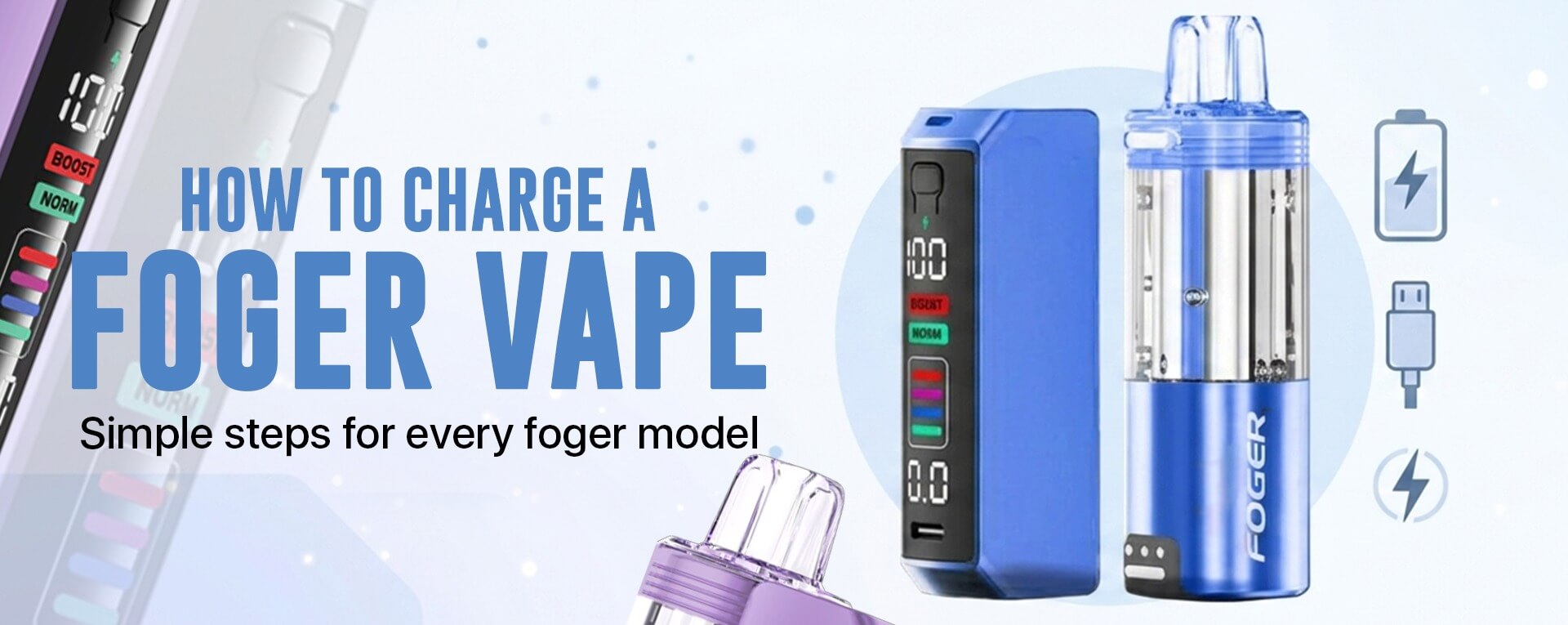
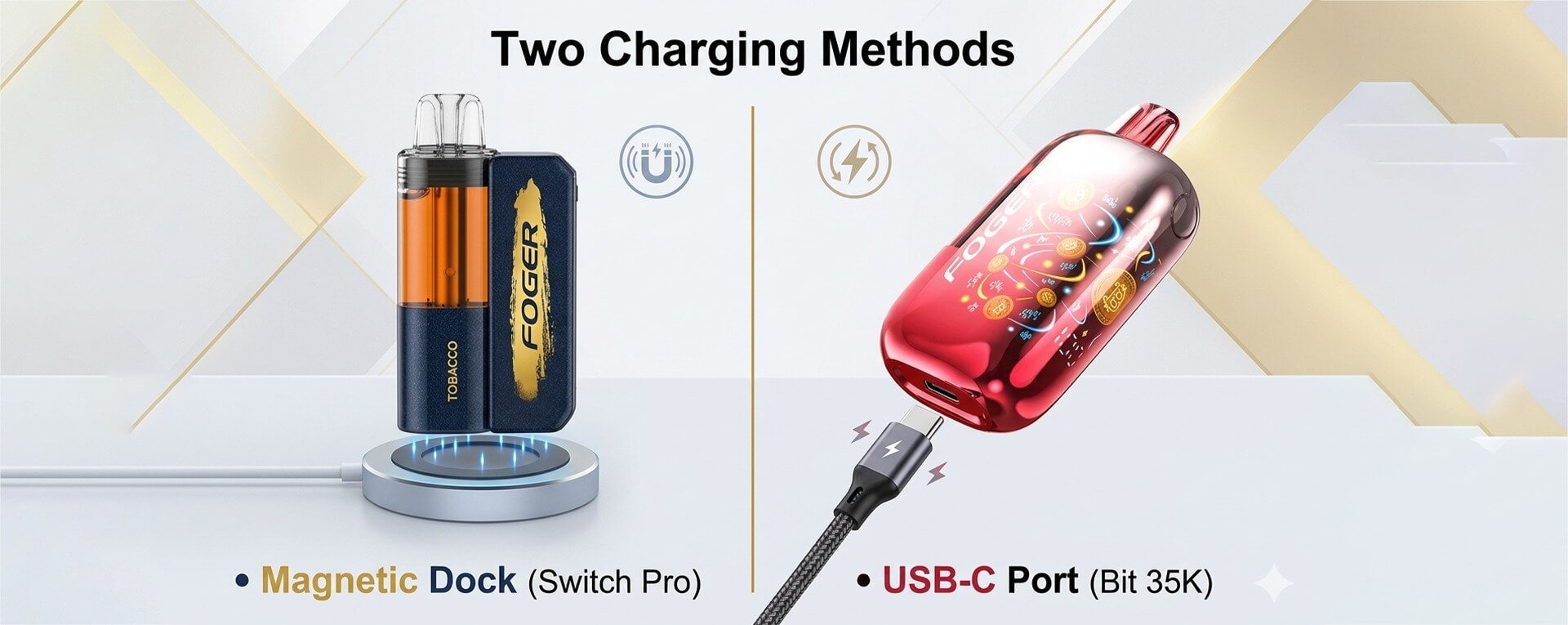
Charging a Foger vape depends on the model you use. The Foger Switch Pro charges through its magnetic charging dock. The Foger Bit 35K charges through a USB-C port at the bottom. So, check your device first before you plug it in. Use a standard USB-C cable and a low-power charger. Also, avoid fast chargers because they may stress the battery.
Before we explain each step, look at your Foger setup.
If you use the Switch Pro, you need the magnetic base. The refill pod does not charge like a normal disposable vape. It charges when you snap it onto the dock.
If you use a direct-charge Foger device, the process feels simpler. You just plug the USB-C cable into the charging port. Then you wait until the device shows a full charge.
Quick Answer: How Do You Charge a Foger Vape?
To charge a Foger vape, use a USB-C cable and a low-power charger. If you have the Foger Switch Pro, plug the cable into the magnetic charging dock first. Then snap the refill pod onto the dock. If you have the Foger Bit 35K, plug the USB-C cable into the port at the bottom of the device. Unplug it once the battery shows full.
First, Know Your Foger Model
Before you charge it, check which Foger device you have. This matters because not every Foger vape charges the same way.
| Foger Model | Charging Style | What You Need |
|---|---|---|
| Foger Switch Pro Kit | Magnetic dock charging | USB-C cable + magnetic dock |
| Foger Vape Refills | Charges through the dock | Foger Switch Pro magnetic base |
| Foger Bit 35K | Direct USB-C charging | USB-C cable |
If you use the Foger Switch Pro Kit, the magnetic base is the main power source. The refill pod snaps onto that base and charges through the contact pins.
If you use Foger Vape Refills, do not look for a charging port on the pod. The refill needs the Switch Pro dock to power it.
How to Charge Foger Switch Pro Kit
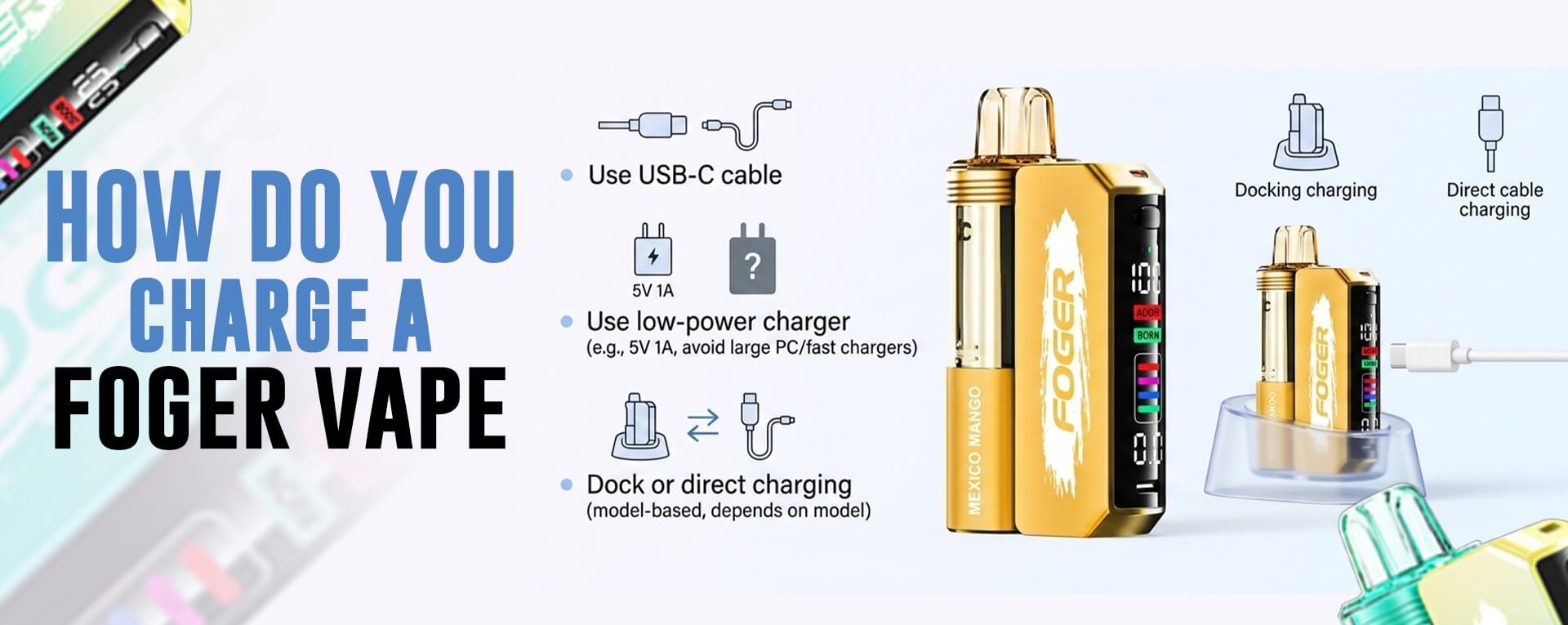
The Foger Switch Pro Kit uses a magnetic charging base. So, you do not charge the refill pod like a regular disposable vape.
Follow these steps:
- Take the magnetic charging dock.
- Find the USB-C port on the dock.
- Plug in a standard USB-C cable.
- Use a low-power wall adapter or laptop USB port.
- Let the dock charge first if the battery is low.
- Snap the Foger pod onto the magnetic base.
- Make sure it sits flat and connects well.
- Check the screen or battery indicator.
- Unplug it once it shows a full charge.
The pod gets power through the magnetic pins. So, if it does not charge, remove it and snap it back on. Also, check the contact points for dust or liquid.
How to Charge Foger Vape Refills
Foger Vape Refills do not charge with a cable.
They need the Foger Switch Pro magnetic base. So, do not try to plug a cable into the pod. The refill charges when it connects to the dock.
Here is the simple way:
- Pick up the Foger refill pod.
- Line it up with the magnetic base.
- Let it snap into place.
- Make sure it sits straight.
- Check the screen or charging sign.
- Wait until it has enough power.
If it does not charge, remove the pod and place it again. Also, wipe the gold contact pins with a clean, dry cloth. Dust can block the connection.
How to Charge Foger Bit 35K
Foger Bit 35K charges like a regular rechargeable disposable vape.
You do not need a magnetic dock for this one. Just find the USB-C charging port at the bottom of the device.
Follow these steps:
- Turn the device and find the bottom port.
- Plug in a standard USB-C cable.
- Connect it to a low-power adapter.
- Check the screen or charging light.
- Let it charge until the battery shows full.
- Unplug it once charging finishes.
Do not use a high-watt fast charger. Also, do not leave it plugged in overnight. A simple low-power charger works better for regular vape charging.
What Charger Should You Use for a Foger Vape?
Use a standard USB-C cable with a low-power charger.
A basic 5V wall adapter works well. A laptop USB port can also work. But avoid high-watt fast chargers, like big phone or laptop charging blocks.
Fast chargers may push too much power. That can heat the battery or affect device life.
So, before you plug it in, keep it simple:
- Use a regular USB-C cable.
- Pick a low-power wall adapter.
- Avoid 65W laptop chargers.
- Do not use damaged cables.
- Keep the device away from water.
- Unplug it once it shows full charge.
How Long Does a Foger Vape Take to Charge?
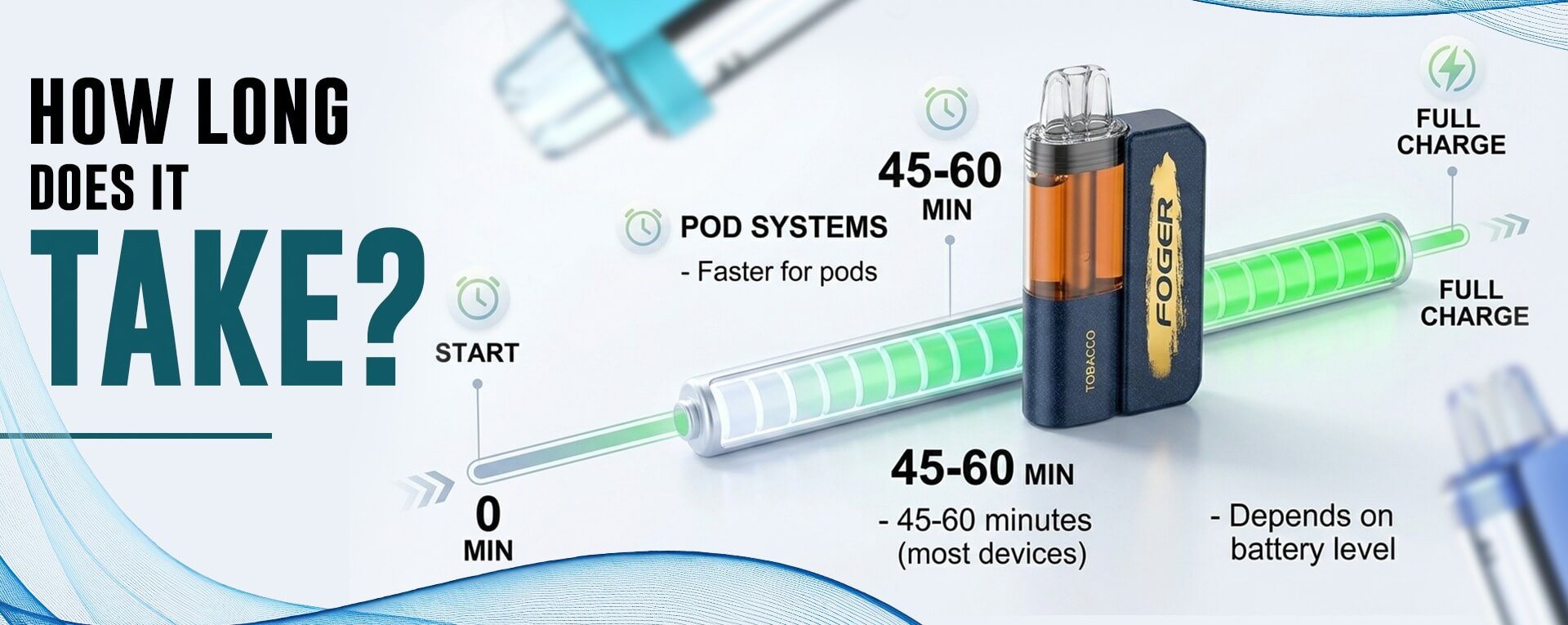
Most Foger vapes take around 45 to 60 minutes to charge. But it depends on the model and battery level.
| Foger Device | Charging Time |
|---|---|
| Foger Switch Pro Dock | Around 45 to 60 minutes |
| Foger Switch Pro Pod | Around 15 to 25 minutes |
| Dock and pod together | Around 1 hour |
| Foger Bit 35K | Around 45 to 60 minutes |
Before you unplug it, check the screen or battery sign. If it shows full, remove the cable. Also, avoid charging overnight. That keeps the battery in better shape.
Why Is My Foger Vape Not Charging?
If your Foger vape is not charging, do not panic first.
Most times, it is a cable, port, or contact issue. Try a few simple checks before replacing the device.
Check the Cable
Try another USB-C cable. Some cables charge phones but fail with small vape devices.
Check the Adapter
Use a low-power adapter. Avoid fast chargers or large laptop charging blocks.
Clean the Charging Port
Dust can sit inside the USB-C port. Use a dry cotton swab or soft brush.
Check the Magnetic Pins
For the Foger Switch Pro, check the gold contact pins. Wipe them with a clean, dry cloth.
Snap the Pod Again
The pod must sit flat on the magnetic base. Remove it, then snap it back in place.
Let It Cool
If the device feels hot, unplug it. Let it cool before trying again.
Foger Vape Charging Safety Tips
Charging a Foger vape is easy. But a few small habits can help protect the device.
Keep these tips in mind:
- Use a low-power USB-C charger.
- Avoid fast chargers and laptop bricks.
- Do not charge it overnight.
- Unplug it once the battery shows full.
- Keep the device on a flat surface.
- Do not charge near water.
- Stop charging if it feels too hot.
- Do not use damaged cables.
- Keep the device away from children and pets.
Also, always use the right setup for your model. The Switch Pro pod needs the magnetic base. A direct-charge Foger device needs the USB-C port.
Where to Buy Foger Vape Online
If you need a new Foger device, The Vapers World makes it easy to Buy Foger Vape online. You can find Foger kits, refill options, flavors, and device styles in one place.
You can also compare the Foger Switch Pro Kit with Foger Vape Refills before ordering. That helps you pick the right setup.
The Vapers World also offers fast shipping, fair pricing, weekly deals, and helpful customer support. So, you can shop Foger vapes with less guesswork.
Quick Safety Note
This guide is for general product information only. Always follow the product label and charging instructions. Do not use damaged cables, wet devices, or high-watt fast chargers. Also, keep all vape products away from children and pets.
FAQs
How do I charge a Foger vape?
Use a USB-C cable and a low-power charger. The Foger Switch Pro charges through its magnetic dock. The Foger Bit 35K charges through the bottom USB-C port.
Can I charge Foger Vape Refills without the dock?
No. Foger Vape Refills need the Foger Switch Pro magnetic base. The refill pod does not charge with a cable.
How long does a Foger vape take to charge?
Most Foger devices take around 45 to 60 minutes. The Switch Pro pod may charge faster when connected to the dock.
Can I use a fast charger for my Foger vape?
It is better not to use one. A low-power USB-C charger is the safer choice.
Why is my Foger vape not charging?
Check the cable, adapter, port, and contact pins. If you use the Switch Pro, make sure the pod snaps onto the magnetic base properly.
